A real computer,
in a browser tab.
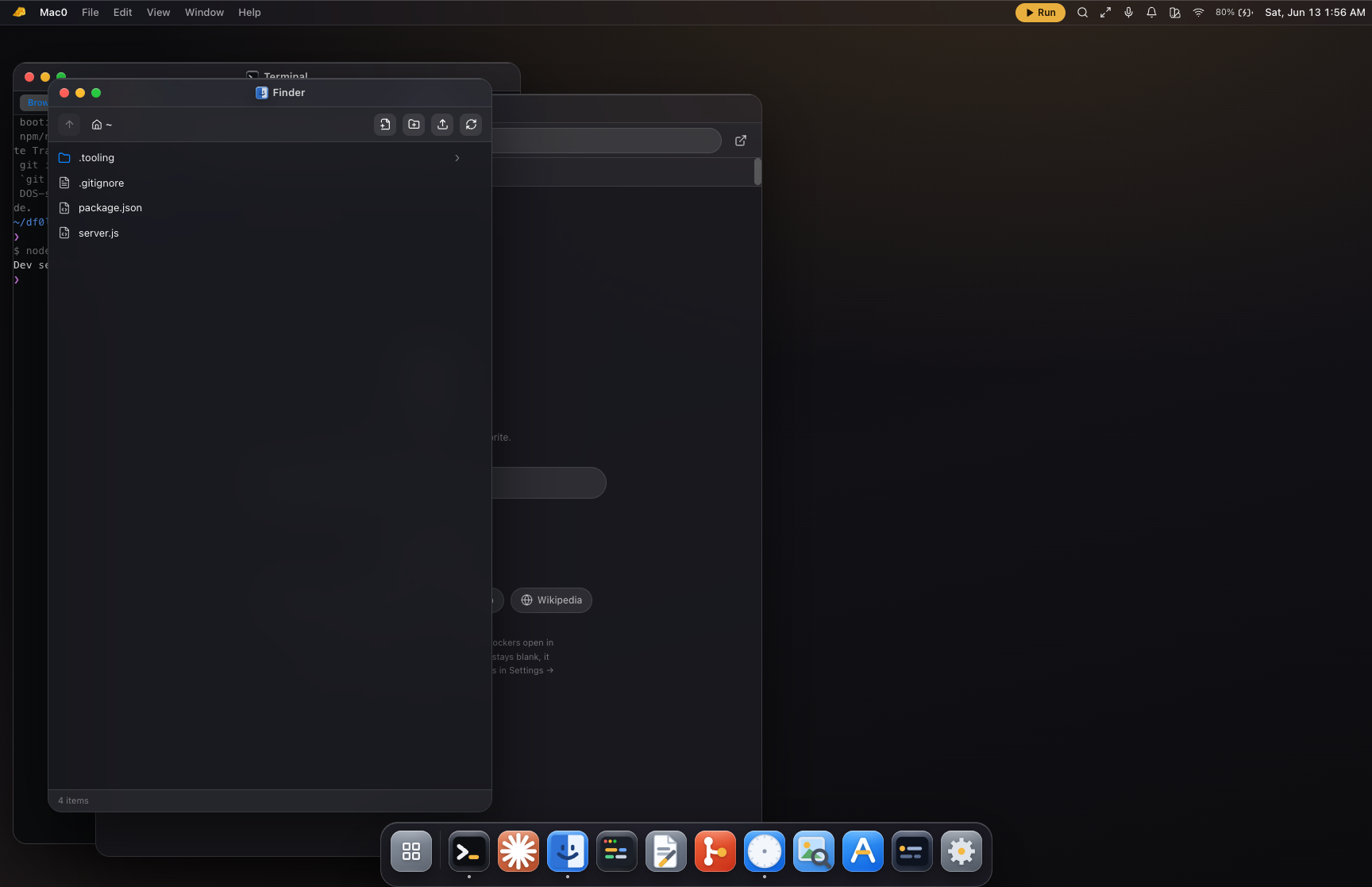
Mac0 boots Node.js, npm and git — compiled to WebAssembly — right inside your iPad. Run dev servers, install packages, and code alongside an on-device Claude agent. No tunnel, no cloud, nothing to sign in to.
EVERYTHING RUNS ON-DEVICE
No host. No tunnel. Nothing to sign in to.
Older builds paired your iPad to a Mac over a tunnel. Not anymore — the whole machine is the tab. Here is what that buys you.
A real runtime, in WebAssembly
Node.js, npm and git run entirely inside the tab — no server, no cloud. Install packages from the public registry and run scripts on a real, persistent filesystem.
An on-device Claude agent
A real Claude reads, writes and runs code on this machine. Your API key, your device — requests go straight to Anthropic with nothing in between.
Localhost, previewed in-app
Start a dev server and open it in the built-in browser. localhost:3000 resolves to the runtime and renders right inside the OS — exactly as it would locally.
An app store that installs for real
Tools, apps and content packs install in a tap — they download from npm into your in-browser machine and run. Honest about what survives a reboot, with one-tap repair.
Two skins, one filesystem
Flip between a macOS desktop and a Windows 11 desktop. Same windows, same files, same runtime — pick the home that fits how you think.
Yours, on this device
Everything persists locally in your browser — no account, ever. Export a portable workspace file to carry your machine to another device.
FROM ZERO TO CODING
Three steps. No setup.
No accounts, no app review, no streaming your screen — just a tab that turns into a machine.
- 01
Open the workspace
Tap Open Workspace. A real machine boots in your tab — Node.js, npm and git in WebAssembly. No install, no sign-in, no waiting on a server.
- 02
Build, run, commit
Use the Terminal, Editor and Finder like a desktop. npm install a package, start a localhost server, commit with git — it all happens on-device, and persists.
- 03
Add to Home Screen
Install it as a PWA for a full-screen, offline-first app. Your files live on this device; export a workspace file to carry them anywhere.
STRAIGHT TALK
Honest about what it is.
The UI never fakes an engine, and neither does this page. Here is the line, drawn clearly.
What it is
- A self-contained desktop OS — real Node, npm and git in WebAssembly, in one tab
- On-device: your files, your API key, no host and no account
- An installable PWA with macOS and Windows skins over one filesystem
What it isn't
- Not a remote desktop or screen-stream — nothing is hosted anywhere
- Not able to run native binaries — Python, Rust and Docker are out (it is JS/WASM)
- Not a cloud account — one device is one machine; export a file to move
Put a whole computer on your Home Screen.
Open this page in Safari, tap Share, then Add to Home Screen. It launches full-screen and offline-first — no App Store, no native binary. Just the web, sharpened.